Command Palette

Search for a command to run...

Sign in

Addon

Companion addon download and slash command reference
Companion addon

Available on CurseForge

Sync with WoW Lab
Loadouts
Wishlist
Never miss a drop
Character snapshots
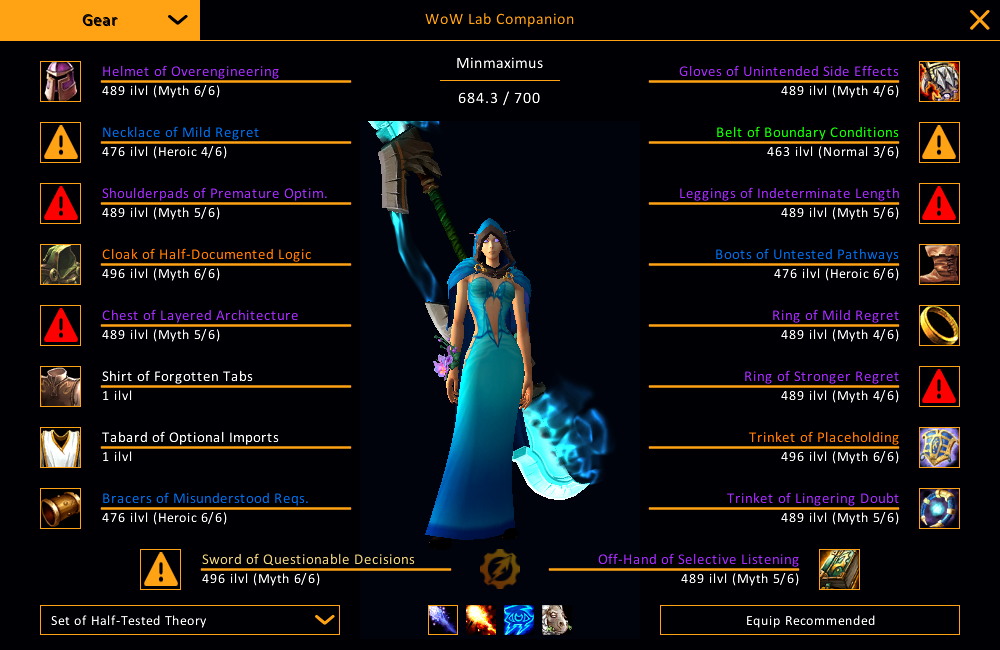
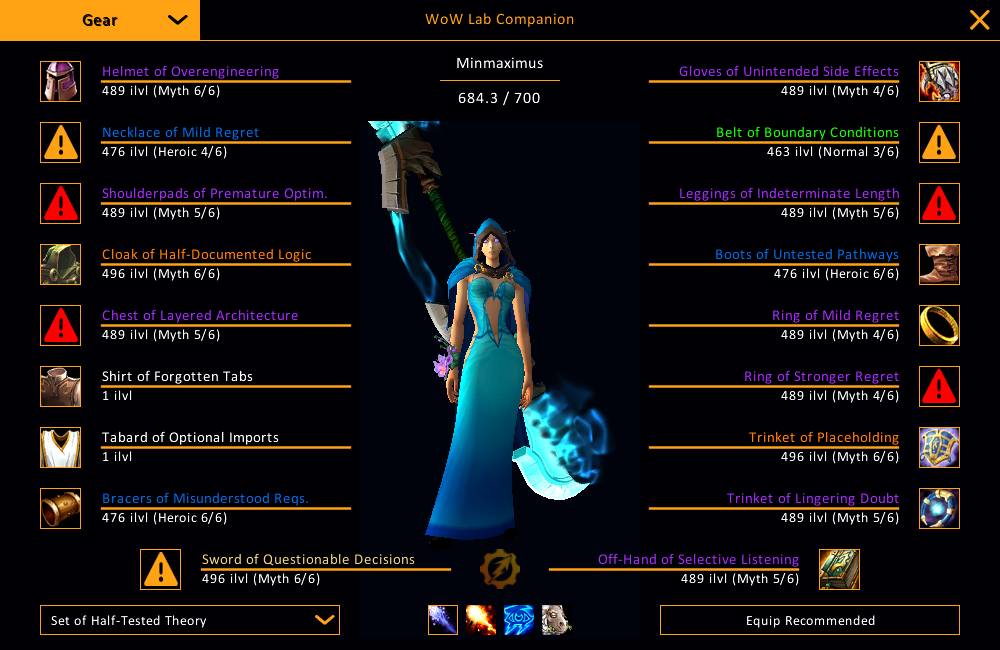
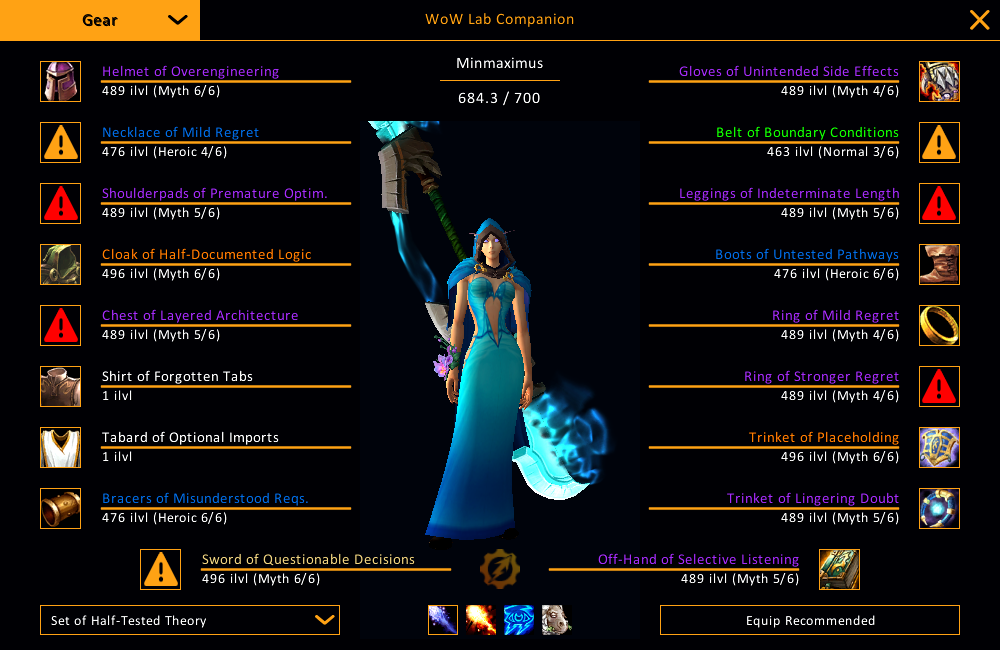
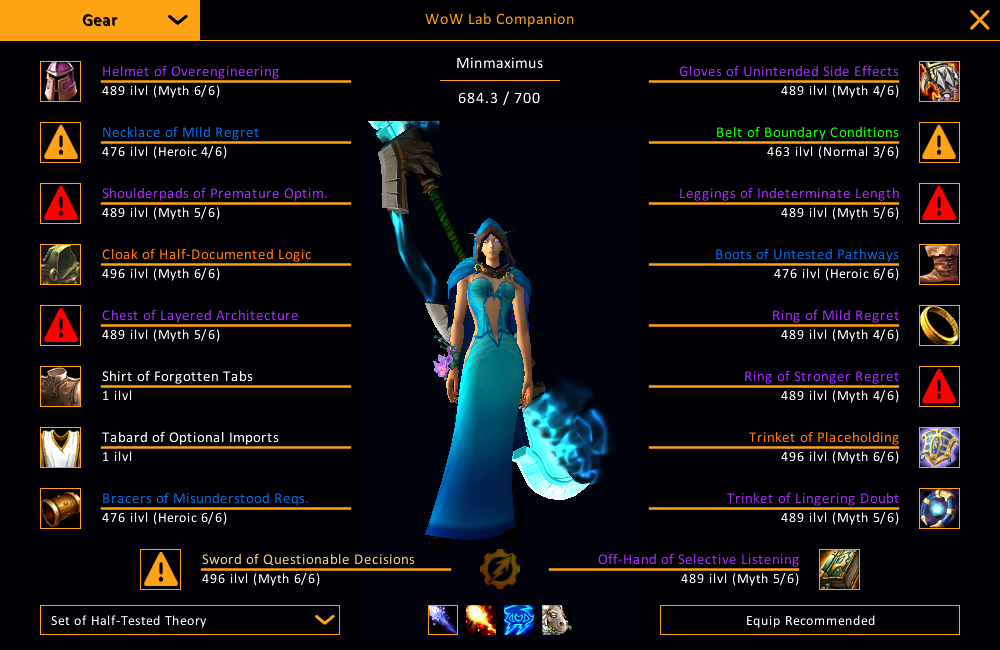
Gear at a glance

Slide 1 of 6

Sync with WoW Lab

Export your character, talents, and bags into WoW Lab to simulate and plan, then bring a loadout back into the game. It all rides on SimulationCraft profiles, so the same export works in raidbots or any sim too.

Loot roll highlight.

Mark items you want by dungeon, boss, or link. When one drops in a Group Loot, the matching frame gets an accent border so you don't miss it.

Equip from your bags.

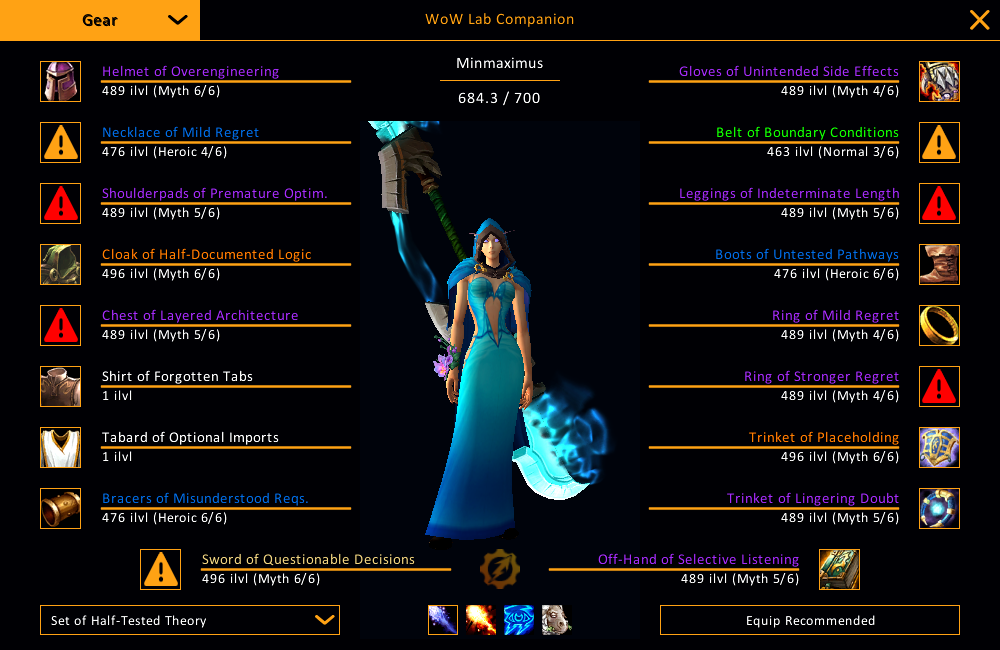
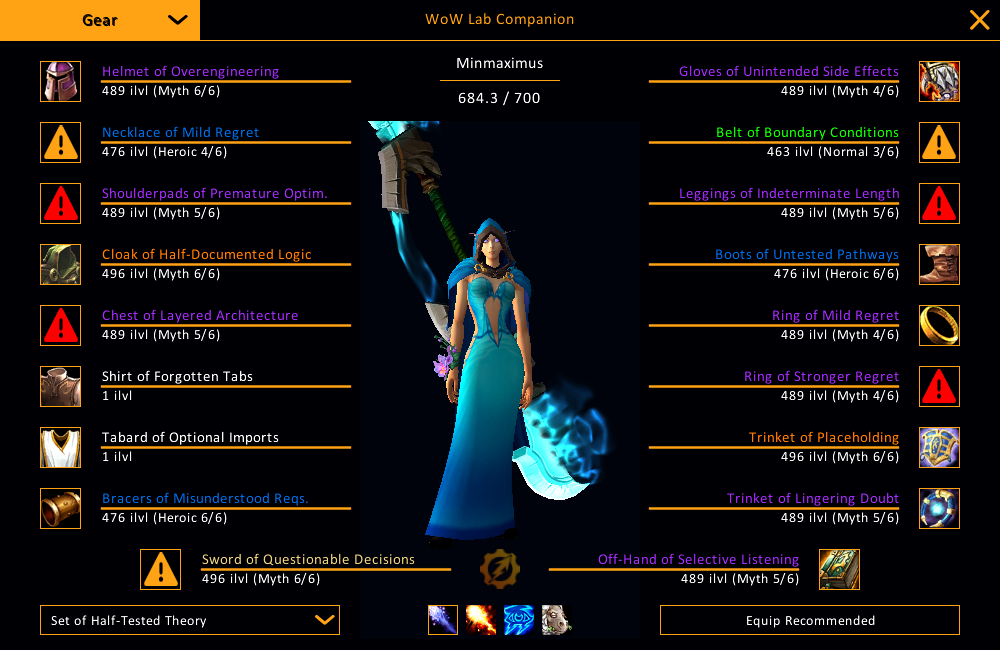
Pick an imported loadout, hit Equip Recommended. The addon pulls items from your bags into the right slots and reports anything missing in chat.

SimC round-trip.

Export a clean SimulationCraft profile. Paste it into raidbots, any external sim, or back into WoW Lab as a switchable loadout.

Commands

Slash commands. Everything works under both /wlab and /wowlab.

View on GitHub
Essentials
/wlabToggle the main UI
/wlab helpPrint the full command list in chat
Tabs
/wlab gearOpen the Gear tab
/wlab wishlistOpen the Wishlist tab
/wlab performanceOpen the Performance tab (aliases: dps, hps)
/wlab snapshotsOpen the Snapshots tab
/wlab loadoutsOpen the Loadout Manager tab (alias: loadout)
/wlab importOpen the Import/Export tab (aliases: export, importexport)
/wlab settingsOpen the Settings tab
/wlab aboutOpen the About tab (alias: info)
Wishlist editing
/wlab wishlist add <itemLink|itemID>Add a manual entry. Accepts a shift-clicked item link or a numeric itemID.
/wlab wishlist remove <itemLink|itemID>Remove a manual entry (aliases: rm, delete)
/wlab wishlist listPrint the current wishlist to chat
/wlab wishlist clearRemove every manual entry
Scrap overlay
/wlab scrapToggle the bag scrap overlay
/wlab scrap on | offForce the overlay on or off
/wlab scrap refreshRecompute and reapply overlay flags
/wlab scrap disenchantToggle the click-to-disenchant marker
/wlab scrap disenchant on | offExplicit set (requires Enchanting)
Snapshots
/wlab snapshot captureCapture a new character snapshot
/wlab snapshot compareOpen the Snapshots tab to pick Before/After
/wlab snapshot trendOpen the Snapshots tab in trend-graph mode
/wlab snapshot listPrint every saved snapshot to chat
/wlab snapshot clearConfirm and delete every saved snapshot
Select for Next Sim
/wlab pickToggle Select for Next Sim mode for your bags
/wlab pick on | offForce Select for Next Sim mode on or off
/wlab pick clearClear every bag selection
/wlab pick countPrint the number of selected items to chat
Layout editor
/wlab layoutOpen the layout editor for the floating frames
/wlab layout resetReset every movable frame to its default position